See Kibiscope in action, your way.
Tap through the Teacher and Parent apps right here, explore the web application at demo.kibiscope.com, or let our team show you around.
Mobile application demo
Experience Kibiscope on mobile
Kibiscope has two connected apps: one for teachers, one for parents. Pick one and tap through it with a made-up sample school. Nothing to install, nothing to sign in to, and nothing you do here is saved or sent.
Ready · Runs in your browser
For teachers · Teacher app
A teacher's morning
You're Priya Sharma, class teacher of Nursery A. It's Monday, 9:05 AM: children are arriving and the register isn't marked yet.
The Teacher app's Today screen: circle time in progress, attendance not taken yet, and three daily reports ready to publish.
Runs in your browser. Nothing you do is saved or sent.
The app opens full screen. Use Exit Demo to come back here.
The guided tour
- Start the dayToday puts what needs you first.
- Take attendanceMark who is here and tell parents in one go.
- Open a child's pageFamily, health and today at a glance.
- Reply to a parentAarav's mother wrote this morning.
- Write a daily reportAdd entries, then publish to families.
- Record an observationCapture learning against NCF outcomes.
- Share homeworkSet a home activity for the class.
- Report an incidentFile it in a few taps.
- Check outYour own day, leave and pay.
How the two apps work together
Both apps share one school. What a teacher does in one, families see in the other, and what families send comes straight back to the class.
Teacher app
Marks the morning register
Parent app
Sees where their child is, first thing
Teacher app
Writes the daily report and publishes it
Parent app
Reads the day: mood, meals, nap and photos
Teacher app
Answers parents in Messages
Parent app
Chats with the class teacher
Teacher app
Sets a home activity for the class
Parent app
Shares back how the homework went
Every name and number belongs to a made-up school. The screens are re-built from the Teacher and Parent apps for this demo, so a few details can differ from the version on your phone.
Have a question about the apps? Ask us, or schedule a guided walkthrough with our team.
Ask a QuestionWeb application demo
Explore the Kibiscope web platform
The web application is where the school office runs the day: admissions, attendance, fees and setup. The web demo is a separate website with a sample school. Sign in with a demo account and look around at your own pace.
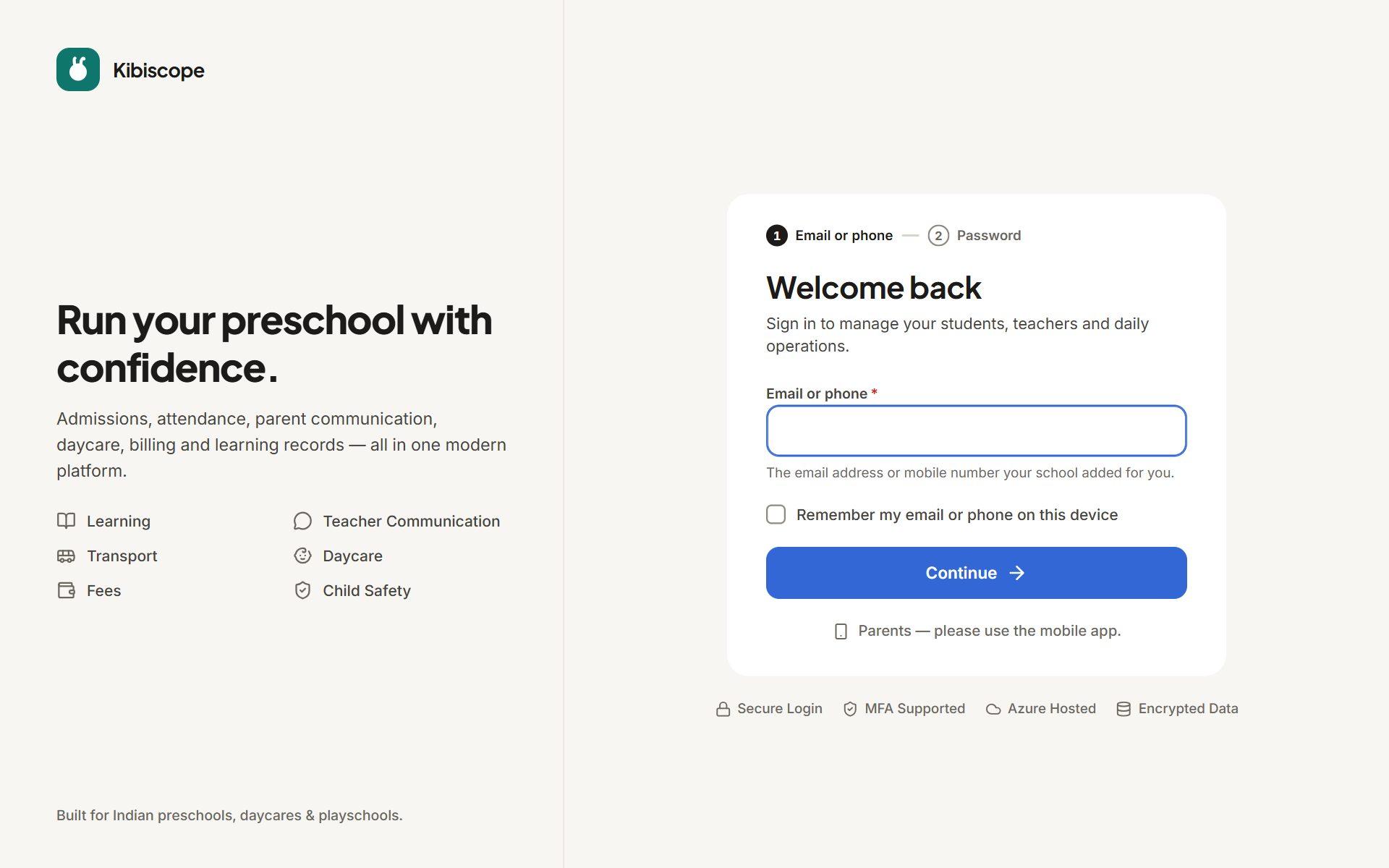
The web demo opens on this sign-in page.
Sign in to the web demo
- Open demo.kibiscope.comIt opens in a new tab.
- Enter the demo emailThen select Continue.
- Enter the passwordThen explore the sample school.
Choose a demo account
Admin
Web application onlyadmin@demo.kibiscope.com- Password
KibiDemo@2026
Sign in at demo.kibiscope.com to see the school office view: admissions, attendance, fees and setup.
Teacher
Web application onlyteacher@demo.kibiscope.com- Password
KibiDemo@2026
Sign in at demo.kibiscope.com.
Teacher sign-in on the mobile app is planned for a later release and isn’t available yet.
Parent
Mobile App Onlyparent@demo.kibiscope.com- Password
KibiDemo@2026
Use it in the Kibiscope mobile app. Parent accounts can’t sign in on the web. This is by design, so this account won’t work at demo.kibiscope.com.
No app on your phone? Try Parent App Demo on this page. No sign-in needed.
Opens in a new tab. This page stays open for the details.
These are shared demo accounts, so other visitors use them too and you may see changes they’ve made. Please don’t enter real children’s, parents’ or staff details.
Having trouble signing in?Request sign-in assistance and we’ll email you the details.
Get Sign-in HelpHave a question about the web app?Ask us and a member of our team will reply by email.
Ask a QuestionGuided demo & questions
Have a question or prefer a guided walkthrough?
Ask us anything about the demo, or tell us about your school and we’ll show you around. A member of our team reads every request and replies by email.
What happens next
- Tell us what you needChoose a guided demo, sign-in assistance or a question, then add your school’s details and email address.
- We reply by emailA member of our team reviews your request and replies, usually on the same working day.
- We help or show you aroundWe answer your question, send your sign-in details, or schedule a walkthrough at a time that suits you, using a demo school similar to yours.